
Docker and Docker Compose explained without jargon: what containers are, how images work, and why they simplify development workflows and deployments.
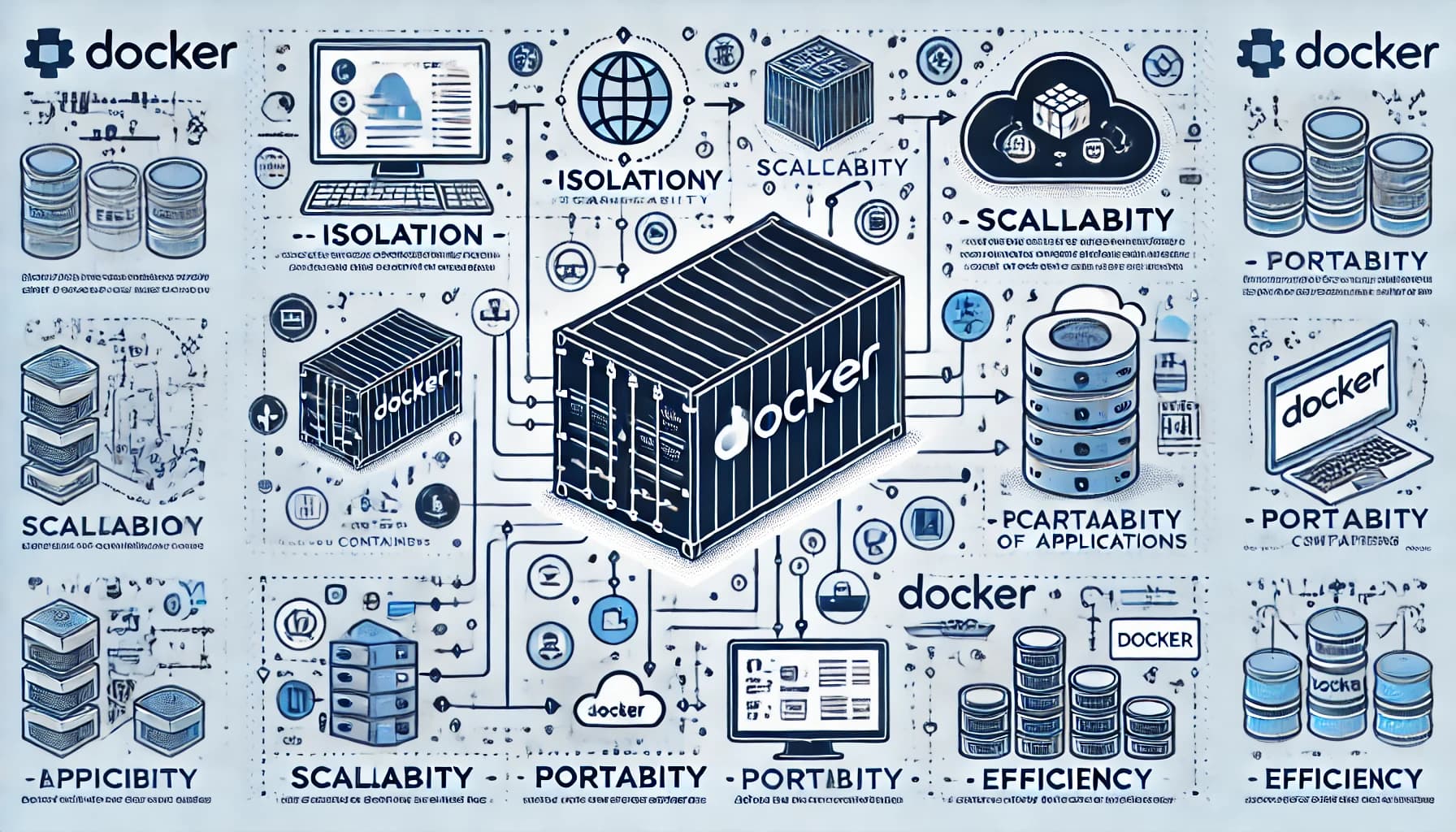
How many times have you heard the phrase "it works on my machine" during a technical meeting? It's one of the most frustrating problems in software development: an application that runs perfectly locally crashes in production because the Node version is different, a library is missing, or the operating system has a slightly different configuration. Docker was created precisely to eliminate this problem at its root.
The problem Docker solves
Imagine developing an app that uses Python 3.11, a specific version of PostgreSQL, and a set of libraries with precise version requirements. On your MacBook everything works. You hand it off to a colleague who has Windows and a different version of Python: half the project stops working. Then you go to production on a Linux server with yet different dependencies.
Docker eliminates this chain of problems by packaging the application together with everything it needs in a unit called a container: the code, the runtime, the libraries, environment variables, and system configuration. The container runs identically on any machine that has Docker installed, regardless of the underlying operating system.
What is Docker?
Docker is an open source platform that allows you to create, distribute, and run applications in containers. Released in 2013 by dotCloud (later renamed Docker Inc.), it quickly became the de facto standard for containerization.
Containers vs virtual machines
This is a common question. The fundamental difference:
- A virtual machine emulates an entire computer, including the operating system. It's heavy: each VM takes up gigabytes of disk space and takes minutes to start.
- A Docker container shares the host operating system's kernel. It's lightweight: it takes up megabytes, starts in seconds, and uses far fewer resources.
In practice, on a server you can run 3–4 virtual machines or hundreds of containers with the same hardware resources.
Key concepts
Image: the container's "blueprint." It's an immutable file that describes what's inside: base system, dependencies, code, commands to run. Created with a Dockerfile.
Container: a running instance of an image. You can launch multiple containers from the same image simultaneously.
Docker Hub: the public registry from which to download ready-made images. You'll find official images for almost everything: Nginx, MySQL, Redis, Node.js, Python, and thousands more.
Dockerfile: the text file that describes how to build the image. Minimal example for a Node.js app:
FROM node:20-alpine
WORKDIR /app
COPY package*.json ./
RUN npm install
COPY . .
EXPOSE 3000
CMD ["node", "server.js"]
With docker build -t my-app . you build the image, and with docker run -p 3000:3000 my-app you start it.
What is Docker Compose?
Almost no real-world application consists of a single service. A typical web app has at least: the backend, a database, perhaps a Redis cache, and a server for static files. Manually starting and connecting four separate containers is tedious and error-prone.
Docker Compose is the tool that allows you to define and manage multi-container applications through a single YAML file called docker-compose.yml. With a single command (docker compose up) you start the entire stack.
Practical example: app + database
services:
  app:
    build: .
    ports:
      - "3000:3000"
    environment:
      DATABASE_URL: postgres://user:pass@db:5432/mydb
    depends_on:
      - db

  db:
    image: postgres:16
    environment:
      POSTGRES_USER: user
      POSTGRES_PASSWORD: pass
      POSTGRES_DB: mydb
    volumes:
      - postgres_data:/var/lib/postgresql/data

volumes:
  postgres_data:
With this file:
docker compose up— starts everythingdocker compose down— stops and removes containersdocker compose logs app— view backend logsdocker compose exec db psql -U user mydb— open a shell in the database
The depends_on ensures the database is ready before the backend attempts to connect.
Why use Docker? Concrete benefits
Identical environments everywhere
Dev, staging, and production all run the same container. Goodbye to the "works only here" syndrome.
Fast onboarding
A new developer joining the team runs git clone + docker compose up and within minutes has a complete development environment, without installing anything manually.
Service isolation
Each container lives in its own environment. A crash in the email sending service doesn't bring down the rest of the app.
Horizontal scalability
Want to handle more traffic? docker compose up --scale app=5 starts 5 instances of the backend in parallel. In more complex environments, Kubernetes orchestrates thousands of containers.
Simplified CI/CD
Continuous integration pipelines (GitHub Actions, GitLab CI, Jenkins) use containers to ensure tests always run in a clean and reproducible environment.
Docker in production: what to know
Docker Compose works well for development environments and simple single-server deployments. For more complex or multi-server production setups, Kubernetes is used (or lighter alternatives like Docker Swarm or Nomad).
A practical tip: keep images small. Use -alpine variants (based on Alpine Linux, ~5MB) instead of full base images. Separate build dependencies from runtime dependencies with multi-stage builds.
Frequently asked questions
Is Docker free? Docker Desktop (the application for Mac and Windows) is free for personal use and for small companies. For companies with more than 250 employees or over $10 million in annual revenue, it requires a paid license. The Docker engine on Linux is always free and open source.
Can I use Docker on a Raspberry Pi? Yes. Docker runs on ARM, so it works on Raspberry Pi 3, 4, and 5. Note: many Docker Hub images are only for x86/amd64, but official images for the most popular services also offer ARM versions.
What is the difference between Docker and Podman?
Podman is an open source alternative to Docker, developed by Red Hat. The main difference: Podman doesn't require a daemon running as root, and is therefore considered more secure. The syntax is almost identical: in most cases you can replace docker with podman in your commands.
← All articles