
QR Codes: What They Are, What They Are Used For, and How to Create One in Seconds
What QR codes are, how they work, what they are used for, and how to generate one in seconds directly in your browser without any external app.
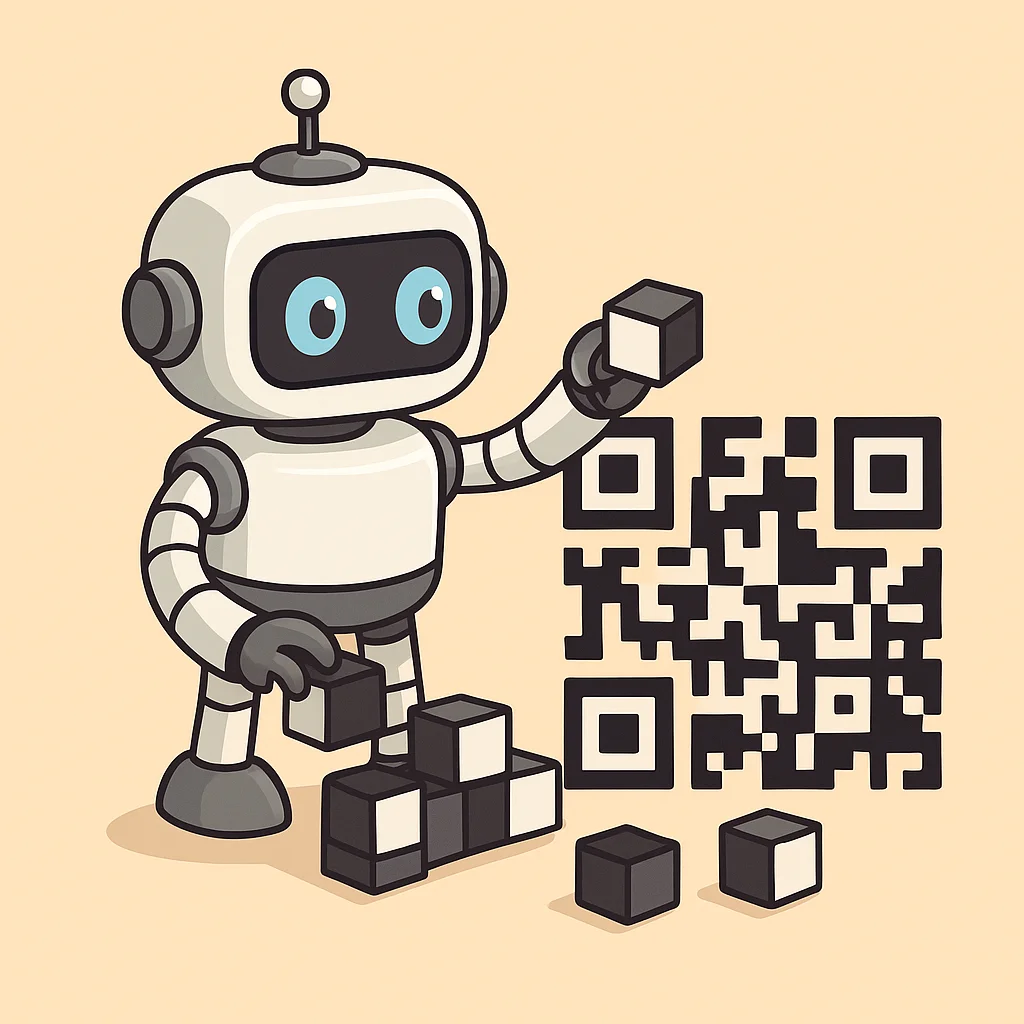
You see them everywhere: on restaurant tables, on product packaging, in confirmation emails, on posters in the street. QR codes have become part of the everyday digital landscape, yet few people truly know how they work, how much information they can contain, and above all how to create a custom one in just a few seconds. This guide answers all these questions.
Where do QR codes come from?
QR codes (acronym for Quick Response Code) were born in Japan in 1994, invented by engineer Masahiro Hara for the company Denso Wave, part of the Toyota group. The original purpose was practical and industrial: to track automobile components along the assembly line faster and more accurately than traditional barcodes.
The leap to the general public, however, only came in the 2010s, when smartphones began to have cameras good enough to read codes without dedicated apps. In Italy, mass adoption exploded during Covid-19, when paper menus were replaced by QR codes for hygiene reasons.
How does a QR code work?
Unlike the classic barcode (which is one-dimensional), the QR code is two-dimensional: it reads information both horizontally and vertically. This allows it to contain up to 4,296 alphanumeric characters in a relatively small space.
The structure is precise:
- Positioning squares in the corners: these help the reader orient itself
- Data zone in the center: where the information is encoded
- Error correction: even if the code is partially covered or damaged, it can still be read (up to 30% damage, at the highest level)
Your smartphone doesn't need an app: the native camera on iOS and Android has automatically recognized QR codes for years.
What is a QR code used for today?
The applications are far more numerous than you might think:
Sharing links and digital content
The most common use case: a QR that opens a website, a product page, a YouTube video or a PDF. Great for printed materials (flyers, brochures, posters) that need to link to online content.
Digital business cards (vCard)
A QR code on a business card can contain name, phone, email, website and social profiles. Whoever scans it automatically adds the contact to their address book. No manual typing.
Digital menus and hospitality
Restaurants, bars and hotels use QR codes to display menus that can be updated without printing every time. Just change the web page the code points to.
Payments and checkouts
In Asia it has been the standard for years, and in Europe it is growing. Many POS systems and banking apps (Satispay, PayPal, Revolut) use QR for in-store payments.
Sharing Wi-Fi networks
Instead of writing a complicated password on a piece of paper, you can create a QR that automatically connects the device to the Wi-Fi network. Perfect for offices, Airbnb rentals or coworking spaces.
Two-factor authentication (2FA)
Apps like Google Authenticator are configured by scanning a QR code. It is one of the most widespread 2FA methods in the world.
Product traceability and logistics
Going back to the origins: manufacturing companies, pharmacies and cold chains use QR codes to track every single package or unit from production to delivery.
Create your QR code for free in a few seconds
You don't need special software or paid accounts. Our free QR code generator lets you create a custom code directly from the browser.
You can generate QR codes for:
- URL — any web link
- Free text — a message, a code, instructions
- Email — pre-fills recipient and subject
- Phone — opens the call directly
- Wi-Fi — automatically connects to the network
- vCard — digital business card
Optionally you can add your logo in the center of the code, change the colors and download the file in high-resolution PNG or SVG — ready for printing.
Static vs dynamic QR code: what's the difference?
A static QR code has the content encoded directly in the pattern. Once created it cannot change, and scans cannot be tracked.
A dynamic QR code points to an intermediate URL that then redirects to the final destination. The advantage: you can change the destination without recreating the code, and you can see how many times it has been scanned, from where and from which device. Useful for marketing campaigns and materials printed in large quantities.
How small can a QR code be?
To be reliably readable, a QR code must be at least 2.5 cm × 2.5 cm on paper printed at good resolution. The more complex the encoded information, the denser the code becomes and the larger it needs to be to remain readable.
A practical rule: if the code is on a street billboard, it must be much larger (at least 15-20 cm) to be readable from a distance.
Frequently asked questions
Can a QR code expire? Static QR codes never expire: as long as the destination link exists, the code works. Dynamic QR codes depend on the service managing them: if you stop paying the subscription, the redirect ceases.
Can I read a QR code without internet? It depends. If the code contains a text or a phone number, yes — no connection needed. If it points to a URL, you obviously need internet to open the page.
Why isn't my QR code being read? The most common causes are: low print quality, insufficient contrast between background and code (avoid white on white or similar colors), physical damage exceeding the error correction capacity, or dimensions too small.
← All articles